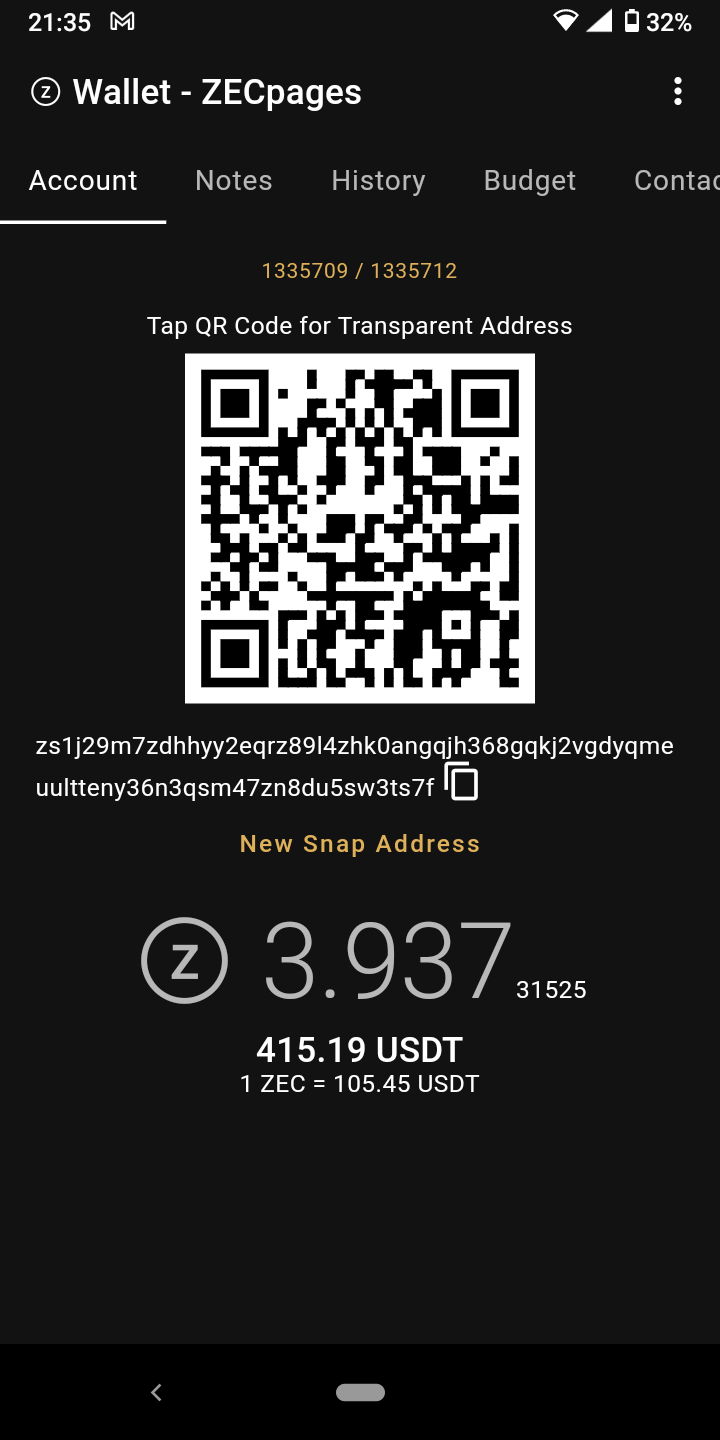
I created my ZECpages account by scanning a viewkey, so it doesn’t have a private key - how does it sign things ?
1 Like
Well, the assumption is that you have the secret key somewhere else. 
Like a cough cold wallet cough
That’s not specific to the snap address. The main address behaves the same way.
Is it associated with your prv key but seems to be for the Zecpages acct? Have you sent to it?
No, I didn’t send to it - at this point I got confused.
It looks like the snap address belongs to the ZECpages account that I created with the viewkey, although that’s impossible since it needs a private key.
I think it would be best to not show the ‘New Snap Address’ button when looking at a view-only account - avoids confusion.
1 Like
It doesn’t need a private key to generate a new snap address. The funds will go to the same secret key even if you don’t have it.
Just try with your own account and you will see…
Create a new account
Get a snap address, save it
Get the view key
Delete the account
Restore from view key
Get a snap address, it should be the same address.
OK, so I sent to the ‘snap address’ I got from the account I created with the ZECpages viewkey
and…it posted a message on ZECpages
I still think an account created from a viewkey should not offer the opportunity to create a snap address - although making an address for an account you don’t control with a key scraped from the net is a very weird thing to do.
Well, by the same logic, the view key should not show the receive address either. I don’t understand why you are ok with one but not the other.
yeah - its subjective - I think its just because being able to create an address implies you control it but in this case you don’t. Its a weird thing to do anyway.
In my ‘banana shop example’ of a wallet having many users this is exactly what they would be doing, except I imagined all using the same zaddr.
I see… But that’s not the case with diversified addresses. They are like “subaccounts” (Monero calls them that way). I’d be pretty weird if they had a different behavior tbh.
Pretty cool, isn’t it? ZECpages was not even coded with snap addresses in mind and it still worked.
1 Like
I see code on GitHub !!! Woooooo!!! Guess what I’m doing today 
6 Likes
How to backup your private key?
When I press on Backup button, nothing happens on my tablet( android 10).
I also tried on my smartphone with android 7, and the app just closes once you hit Backup button.
You have a finger print scanner on these devices?
Tablet has no fingerprint scanner. Smartphone has it.
Huawei matepad 10.4 (android 10, no scanner, no Google services) - Backup doesn’t work, nothing happens when pressed.
Huawei nova(2016 year, Android 7, has scanner) - Backup button doesn’t work, the app closes.
- Have you set up any kind of screen lock? (Pin, password, etc. For security reasons, zwallet won’t display your seed phrase if there is no security.)
If that’s the reason, we still need to add a message to explain the situation.
- Android 7 is a bit old. I don’t have access to this phone but it worked with Nexus 5x on Android 7.
Could you screenshot your system info page? Like this one:
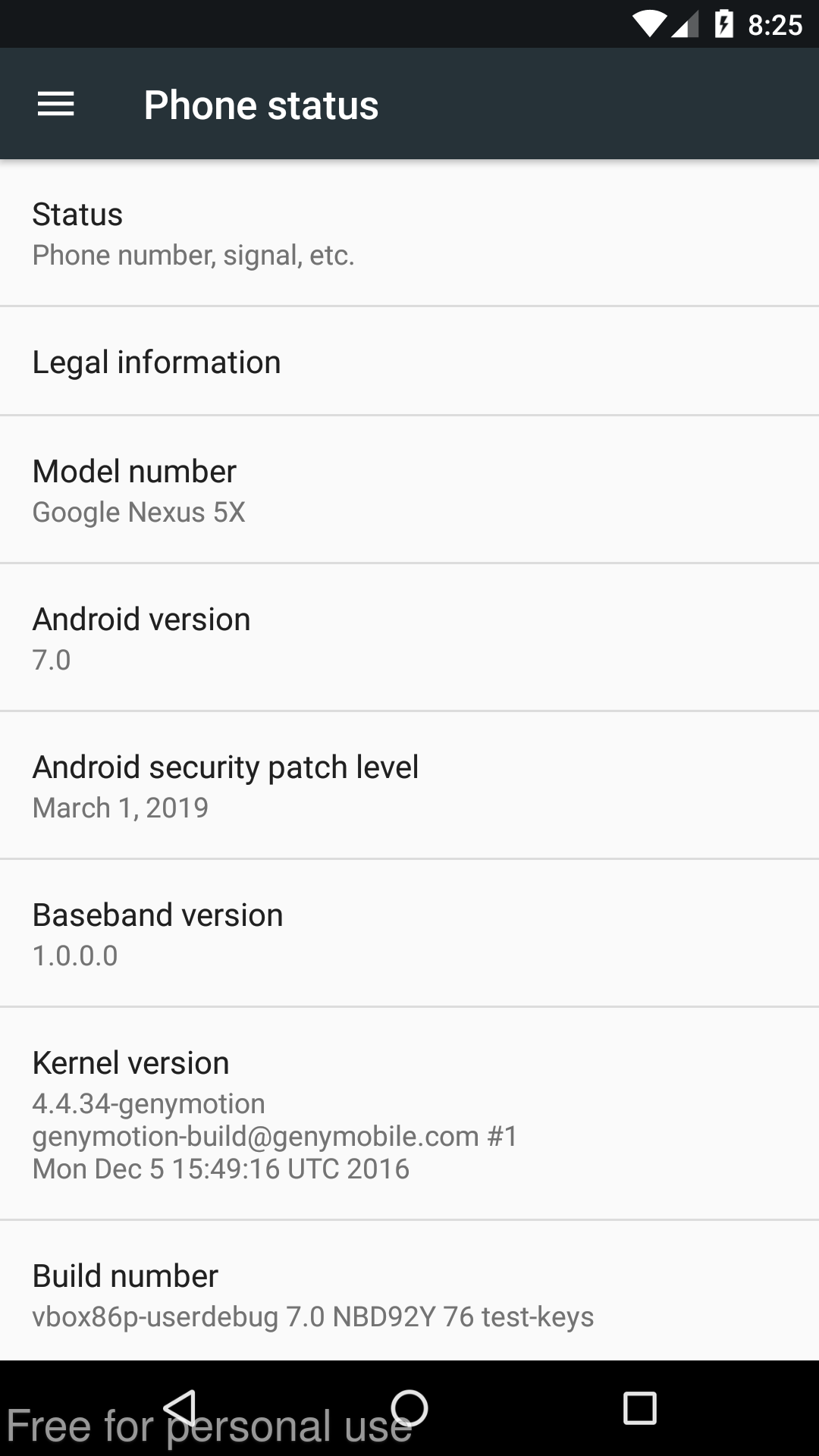
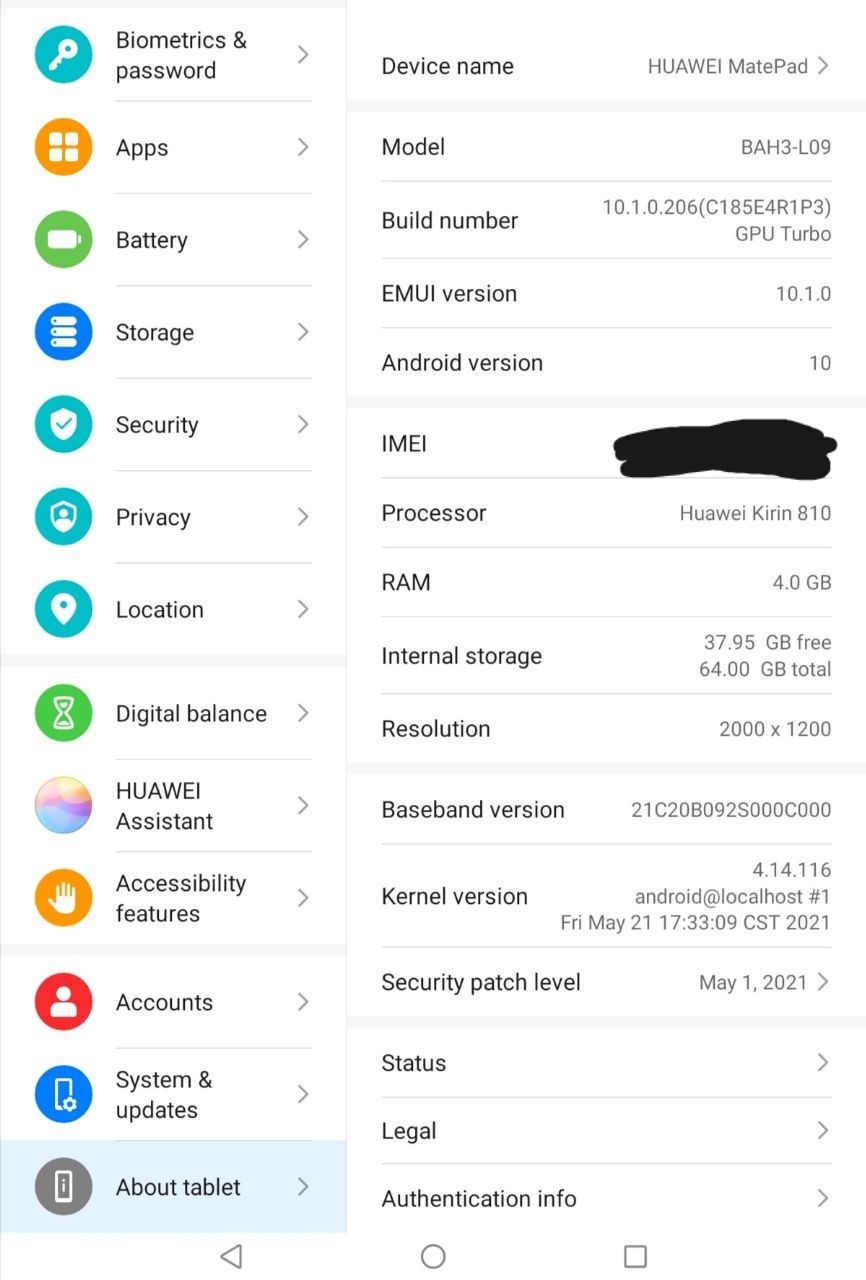

Please update with the latest version from the link above. @bruges @ChileBob, it should perform particularly better on low-end phones but also across the board.
I get < 3 mn to scan the Zec pages ivk on an old phone from 2016.
2 Likes
It took slightly more than 3 minutes on my old smartphone.
Couple minor issues:
Screen can’t show last lines with zcash price.
I didn’t find a functionality to delete an account.
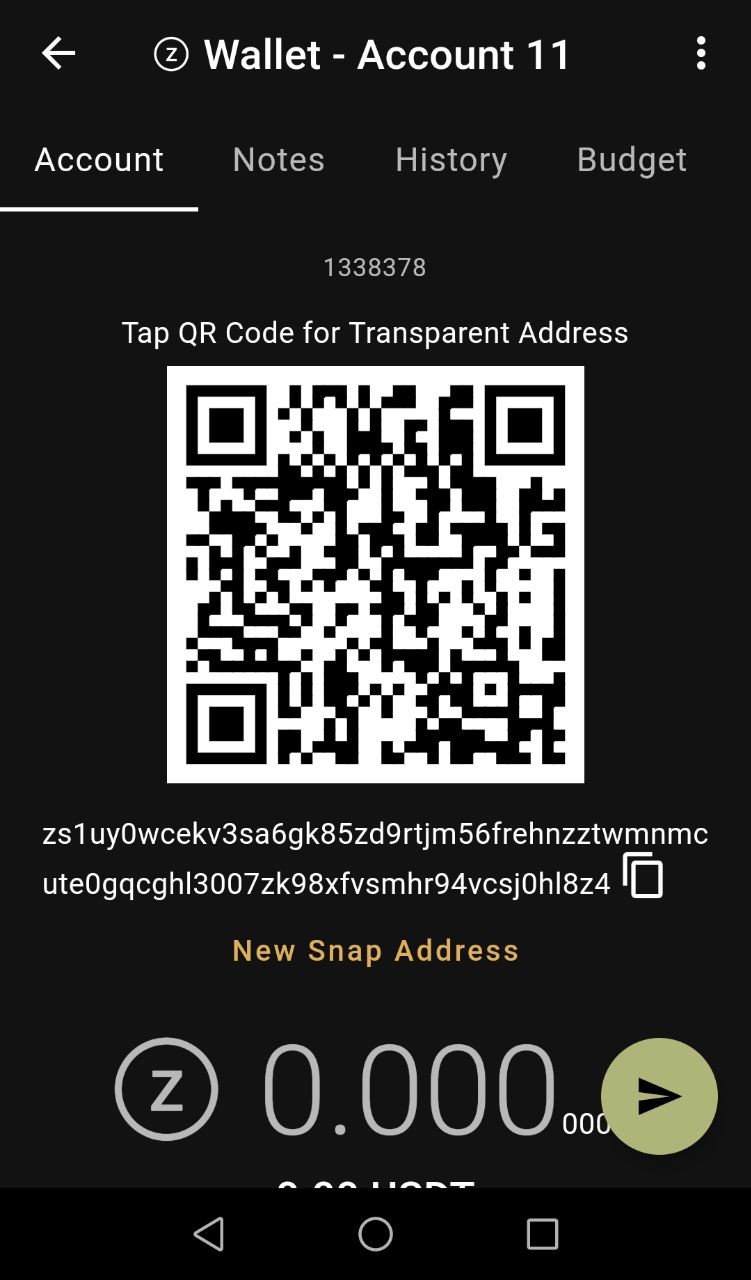
Thanks, to delete an account, swipe it left or right, like you delete emails. But you cannot delete the last account.
2 Likes
I’m going to spin up a local node/lightwalletd & test again - only way to remove server bias from results & focus on wallet performance.