Polling is now open! Please read these instructions carefully.
This poll determines which proposals will receive funding in the Q4 2025 Coinholder-Directed Grants Program. The program operates as a retroactive grants program, and allows ZEC holders to vote on completed projects they believe delivered meaningful value to the Zcash ecosystem. A proposal is approved only if at least 420,000 ZEC participate in its vote.
The poll will remain open until Tuesday, November 25 at 11:59 PM UTC. Results will be shared after polling closes.
There are nine questions corresponding to each of the nine proposals.
Here’s the full list of proposals:
- FPF: Admin for the Coinholder-Directed Retroactive Grants Program
- Bitcoin VN
- Bootstrap Org / Electric Coin Company
- ZcashCommunity.com Hosting
- Zcash Community Voting Authorities
- CrowdStore P2P Marketplace
- NozyWallet
- Unstoppable Wallet
- Pepper-Sync by Zingo Labs
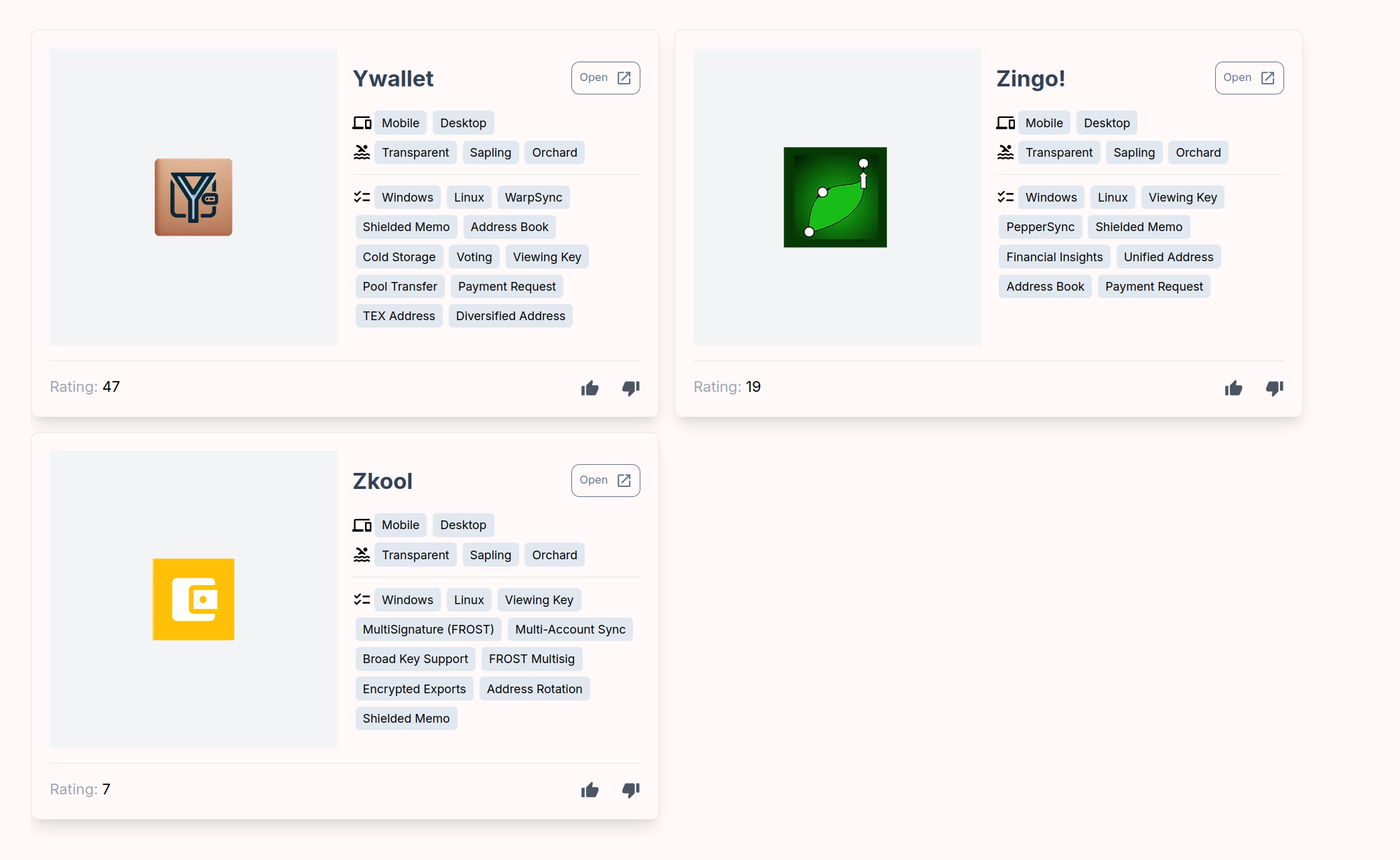
Shielded ZEC
Each proposal has two voting options: Approve or Reject. As noted above, if participation is below the 420,000 coin threshold, the proposal is not approved. If you prefer to abstain, simply don’t vote on that proposal. You are not required to vote on every proposal.
Your full voting power is available for each proposal, meaning you can use the same amount of voting power on multiple questions. Seeing “0 remaining voting power” after casting a vote only applies to that individual question and does not limit your ability to vote on others.
You can download the app to vote shielded ZEC here:
Please note that there is a separate “zecvote.zone” URL for each question.
Q1: FPF: Admin for the Coinholder-Directed Retroactive Grants Program:
https://zecvote.zone/election/66760cfc35b107e482889f1c5fcdf211f23212e4c666691a9bd73bf1d203391b
Q2: Bitcoin VN:
https://zecvote.zone/election/303ffff8ccffed01d2562af7997554002baae57c8df3490828765e8b43e22c26
Q3: Bootstrap Org / Electric Coin Company:
https://zecvote.zone/election/89f9c0f7616a43f12c380f5902cccbd12034a41ed76afd66d3fdc6742e0b6f2b
Q4: ZcashCommunity.com Hosting:
https://zecvote.zone/election/27b9e734cc93b858b1b1b1173bfd715ef1af4019e519149b4e8fedb1e2b9ab1a
Q5: Zcash Community Voting Authorities:
https://zecvote.zone/election/9392848ae272c35aa835a4a71ce4b57ed41f689cfd60f1c88777a213904e5002
Q6: CrowdStore P2P Marketplace:
https://zecvote.zone/election/564936e81224ff3ff75090cc665d47a6f3552cc7e4863ccc717f3cf8a64b2f23
Q7: NozyWallet:
https://zecvote.zone/election/9a40e30b17f87e4b019529dd2f0c31a6089f14972225f00944c55860618fa727
Q8: Unstoppable Wallet:
https://zecvote.zone/election/3fe5b488b3b18e4538d4f9169b2a8ff6c781ff48da68bb2d3165b2441ba9e435
Q9: Pepper-Sync by Zingo Labs:
https://zecvote.zone/election/666add26a3a4b43c7f8ac629dc591b2188cffe4742b7bc5fd65ae767e7d67602
For the desktop app, follow these steps to cast your vote:
- Open the voting app.
- Click “New” to start voting in a new election.
- Enter the election URL and your seed phrase.
- Select “Internal Wallet,” if applicable.
- Save the election file when prompted.
- Click “Download Blockchain Data.” Once it finishes processing, your voting power should appear.
- Go to the “Vote” tab, select your choice, and enter the number of votes you want to cast.
- You should see a confirmation message once your vote has been successfully submitted.
On average, each vote takes about three minutes to process before you receive a confirmation.
If you’d prefer to delegate your vote to ZecHub, you can use the following address:
zvote10hqrmdaa8wyt04mm6357pjqpk8ey4w8g6eg3ezp9x695a0mhfkf3geuxaw4ratgqa3qmukcrfwg
A couple important things to remember:
First, the safest way to participate now that the registration period has ended is to move the ZEC out of the wallet you’re using to vote. That way, when you enter the seed phrase to vote, the wallet will be empty, eliminating any risk of losing funds.
Second, when you create a new election, you’ll see a switch for “Internal Wallet” that allows the app to scan for funds stored in internal accounts, like those used by Zashi, Edge, eZcash, and other wallets that follow ZIP 316. This is to address an issue where users of these wallets did not see their full balance available to vote. If you hold ZEC in both internal and external accounts, you’ll need to cast your vote twice: once with the switch turned on, and once with it turned off.
Please use this thread to let us know if you run into any issues or to provide feedback on the overall process and user experience.
Transparent ZEC
If you want to vote ZEC held in a transparent address, follow the instructions and example outlined by @outgoing.doze:
Orchard Address:
u16hc0w0ldvpx6v8yu4yex4wp6d5m80t77tqku39fv56pfwqg8fgq2duf4dky67eum5nzz3em95fdmlxe7pfnq9vmrx8zgk3ee2c44ppnu
View Key:
uview1m9t2g393ev9lrk60hhrunadtyp4g5ct24nqglgnm476ga4mxn99zp24nf0s424pvc6j26y7aljkpq5h3s0y9y822dfl889am0v4hul5yl8tp8u8e433psal7ewpqu3350h7gzyg5j9knyalugrdtlpwsgt5searqglw4rjfz6cnqt7awn7zxk4q0jhexrval86gx4garpn5x32j5p6l4cwewknnyul6saulmwkd5thhnq68kgsw29jmydujgc7k5cmvg5srwfelc77meuw2fgacpn9tj6j6uxj3gvpy5dtd9gyxvuvku22srs4aah5mkw8ckgrc9xwlv4c07ph4de0u4zd0aa9crw7n84f85r3ytgsue5kdvwy6mpc74a4lscv9q0tcc6haly
Birthday Height:
3,134,000
Note: Funds cannot be moved during the voting period, which runs until Tuesday, November 25, at 11:59 PM UTC.
Frequently Asked Questions (FAQ)
Am I eligible to participate?
To be eligible to participate, you must have moved ZEC into the Orchard pool or refreshed your notes during the registration period that ran from Block 2,908,100, which occurred on April 30, 2025, to Block 3,130,539, which occurred on November 10 around 11:59 PM UTC.
Why is there a registration period?
The registration period exists because it would be too computationally intensive to scan every Orchard note ever created. “Proof of balance” relies on the halo2 circuit, which, like Orchard itself, requires the wallet to compute witness data. Allowing participation from all Orchard notes since inception would mean downloading and processing the entire chain, which involves several gigabytes of data and would be impractical for most users. Limiting it to a registration window keeps the process efficient and accessible.
What is the recommended approach for registering and voting?
To participate, coinholders need to move their ZEC into the Orchard pool or refresh their notes (by sending an Orchard transaction to themselves) during the registration window. Once the registration deadline passes, they will be able to cast their vote.
The safest approach is to move the ZEC out of the wallet you used for registration once the window has closed. This way, when you later use the seed phrase to vote, the wallet will be empty, removing any risk of accidentally losing funds while still allowing your vote to be counted.
Is there a minimum amount of ZEC needed to vote?
Yes, you’ll need at least 0.01 ZEC to vote.
Can you provide an overview of the election process?
The Coin Voting 2.0 application differs from the previous voting system that was integrated into YWallet. This is a standalone application that is not currently integrated into any wallet, meaning users will need to download it separately. Each election consists of four steps: creation, hosting, voting, and auditing. The creator defines the vote parameters, including the question, answers, and eligible block range. The host runs the election logistics, providing a trustless online service for voters to submit ballots. Voters participate using their Orchard funds, with the option to delegate votes. Finally, auditors verify the results once the election concludes by using a revealed seed phrase to validate the ballots and report the final counts.
Is Coin Voting 2.0 safe to use?
Yes. The current recommended process is to generate a fresh seed phrase, move funds into that wallet during the registration window, keep them there until registration closes, and then move them out before voting. The seed phrase used for voting should not be reused for any other purpose, but the voting process itself never reveals the seed. In addition, Coin Voting 2.0 has undergone an independent security audit by Least Authority. Long term, the goal is to integrate voting directly into widely used wallets, making participation more seamless, secure, and accessible for all users.
Where can I download the Coin Voting 2.0 app?
Is there a demo or walkthrough that explains how the voting process works?
Yes, check out this video explainer from @dismad of ZecHub:

Are there any technical resources available for those who want to understand how the application works under the hood?
Here are a couple resources that explain how the mechanism works:
Why does the app show more votes than the amount of ZEC I hold?
In the Coin Voting 2.0 system, the number of votes you receive corresponds directly to the amount of ZEC you hold. The system is designed to assign votes in whole numbers by multiplying your ZEC balance by 1,000. So, if you have 10 ZEC, you receive 10,000 votes. This approach makes vote counting and display simpler, while still preserving the proportional relationship between holdings and voting power.
Is it possible for the voting authority to manipulate votes?
The Coin Voting 2.0 system is designed to be secure and tamper-resistant, but like any system, it depends on how it’s deployed. Votes are submitted to a dedicated voting blockchain that runs using the CometBFT consensus engine. This blockchain is maintained by a set of validators, which are called voting authorities.
If there’s only one validator, a malicious operator could suppress or selectively include votes. However, when deployed with at least four independent validators, the system becomes resistant to manipulation—as long as two-thirds of them are honest, no single party can control the outcome. This approach ensures that votes are collected and finalized through a consensus mechanism, rather than relying on a centralized server.
How many voting authorities are there for this poll?
There are five voting authorities for this poll: @dismad, @judah, @alchemydc, Y and @james_katz.